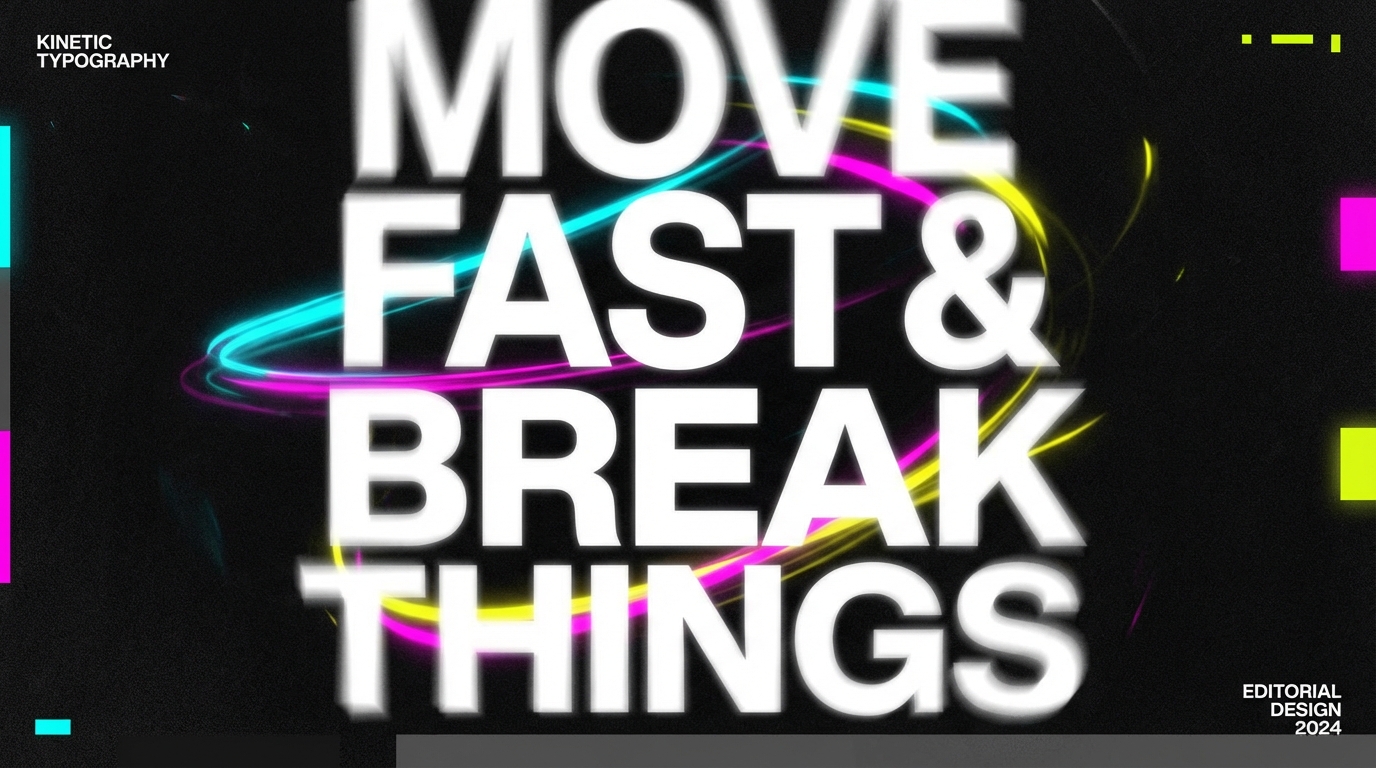
Discover the cutting-edge design trends shaping digital experiences in 2025 — from liquid glass aesthetics to kinetic typography and AI-enhanced interfaces
2025 marks a pivotal shift in UI design philosophy. As we move beyond flat minimalism, designers are embracing depth, tactile experiences, and expressive interfaces that feel alive and responsive. The focus is on creating digital environments that are not just functional, but emotionally engaging and delightfully interactive.
This year's trends emphasize spatial depth through translucent layers, bold typography that commands attention, purposeful motion, and high-contrast color systems that guide user attention. The result? Interfaces that feel premium, human-centric, and unforgettable.
Translucent interfaces with depth, blur effects, and luminous gradients that create the illusion of layered glass surfaces
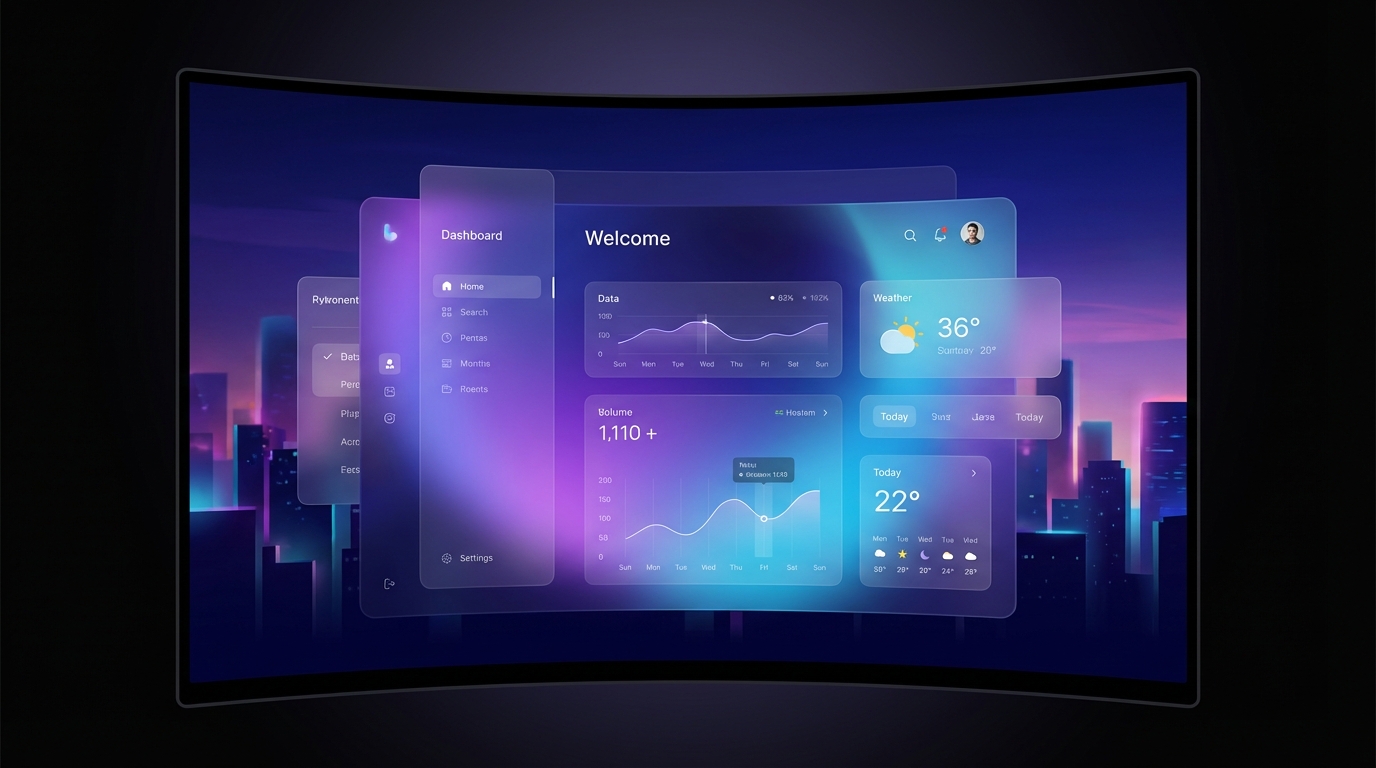
Using backdrop-filter: blur(20px) to create frosted glass effects that reveal subtle hints of content beneath, adding depth and sophistication to layered interfaces.
RGBA backgrounds with 0.7-0.9 alpha channels create the illusion of floating panels while maintaining readability and visual hierarchy.
Subtle gradient overlays that suggest light passing through glass, creating dynamic surfaces that shift and glow with an almost holographic quality.
Large, bold display text with motion effects, scroll-triggered animations, and expressive letterforms that command attention
Headlines ranging from 48-80px with tight letter-spacing (-0.02em) that create visual impact and establish clear hierarchy from the first glance.
Text that fades, slides, or transforms as users scroll, creating narrative flow and maintaining engagement through purposeful motion.
Dynamic type that responds to interaction, allowing weight, width, and style to shift fluidly for expressive, adaptive interfaces.
Strategic use of bold color sections and vibrant accents against neutral bases to guide attention and create visual hierarchy
Full-width color blocks that organize content visually and create rhythm as users scroll through the page, making information architecture intuitive.
Bold color pops on neutral backgrounds that draw the eye to key actions and important content, creating clear calls-to-action.
Subtle glass-like color washes using transparent gradients that add visual interest without overwhelming content or reducing readability.
Feedback-first animations that confirm actions, guide users, and make interfaces feel responsive and alive
Subtle transforms like translateY(-2px), scale(1.02), or glow effects that confirm interactivity and make buttons and cards feel tangible.
All transitions using cubic-bezier(0.4, 0, 0.2, 1) easing at 0.3s for natural, physics-based motion that feels intentional.
Fade-ins and slide-ups as content enters viewport, creating narrative flow and maintaining user engagement throughout the journey.
Beautiful design means nothing if users can't accomplish their goals. Aesthetic choices must enhance, not hinder, usability and comprehension.
Meeting WCAG standards isn't optional. High contrast, proper focus states, and semantic HTML make experiences inclusive for everyone.
Beautiful interfaces that load slowly fail users. Optimize assets, minimize animations, and prioritize perceived performance always.
Responsive isn't enough — designs must be contextual. Consider mobile constraints and opportunities from the start, not as an afterthought.
Every shadow, blur, and gradient should serve hierarchy and understanding. Depth creates focus, not decoration for decoration's sake.
Bold doesn't mean chaotic. The most expressive interfaces know when to be quiet, using whitespace and simplicity as design tools.
While these trends offer exciting possibilities, the best interfaces balance innovation with usability. Liquid glass effects, kinetic typography, and bold colors should enhance user experience, not overshadow it.
The most successful designs in 2025 will be those that feel effortless — where beautiful aesthetics and thoughtful functionality merge so seamlessly that users forget they're interacting with an interface at all.
As you explore these trends, remember: every design choice should have a purpose. Question whether an animation guides attention, whether a color creates hierarchy, whether depth improves understanding. Design with intention, test with users, and iterate relentlessly.